
M3U Cleaner & Filter
Strip the duplicates and clutter out of any M3U playlist, filter it to what you watch, and download a tidy file.
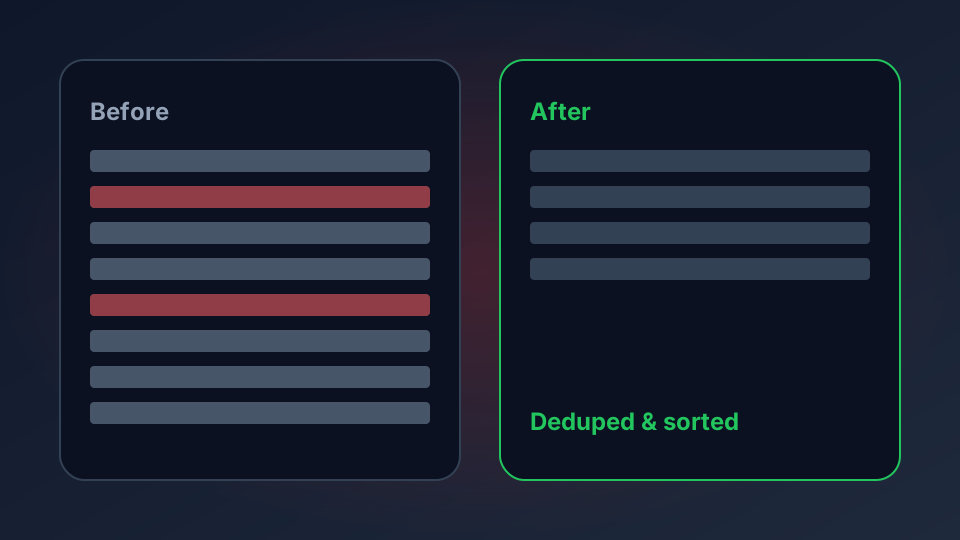
A messy playlist is the most common reason IPTV feels worse than it is. Duplicate entries, dead groups, channels with no guide data, and a wall of unsorted names all hide the handful of channels you actually watch. Paste your playlist here, clean it up, and copy or download a tidy version — all in your browser.
What Clutter Costs You
A playlist with 20,000 entries is not better than one with 800. It loads more slowly, scrolls forever, and buries the channels you use under hundreds you never will. Providers rarely curate their lists, so the cleaning is left to you. This tool does the mechanical part in one pass:
- Duplicates — the same stream URL listed twice or three times under different names.
- Dead weight — entries with no programme guide ID, so the guide stays empty for them.
- Noise — everything that does not match the channels or countries you actually want.
- Disorder — a playlist in whatever order the provider happened to export.
The M3U parser tells you what is wrong with a playlist; this tool is the fix. Run the parser first if you want the diagnosis, then paste here to clean.
Clean Your Playlist
Paste the playlist below. Tick the box to remove duplicate stream URLs, optionally filter to entries that contain a word (a country, a language, a genre), and choose how to sort the output.
M3U Cleaner & Filter
Remove duplicates, filter and sort a playlist, then copy or download the result. Nothing is uploaded.
How to Use the Cleaned File
Once the result looks right, download it and load that file into your player instead of the original URL. Every major app — TiviMate, IPTV Smarters, VLC, Kodi — accepts a local M3U file. The advantage is that your filtered list stays fixed: your provider can add ten thousand new channels and your playlist will not change underneath you.
If you want the cleaned list to update itself later, keep the original URL and use the filter as a way to check what you are missing, rather than replacing the source. New channels that match your filter will only appear if you re-run the tool on a fresh copy of the playlist.
What the Tool Does Not Fix
Cleaning cannot bring a dead stream back to life. If channels are in the list but refuse to play, the problem is the streams rather than the file — run the playlist health checker to sample them and see which hosts are actually answering. And if the guide stays empty even for channels that have a tvg-id, the fault is the EPG source, not the playlist: check the EPG guide checker.