
Devices & Apps
IPTV on Nvidia Shield 2026
The Nvidia Shield is a top-tier IPTV device. Here is the full 4K setup, the best apps, and the fixes that matter.
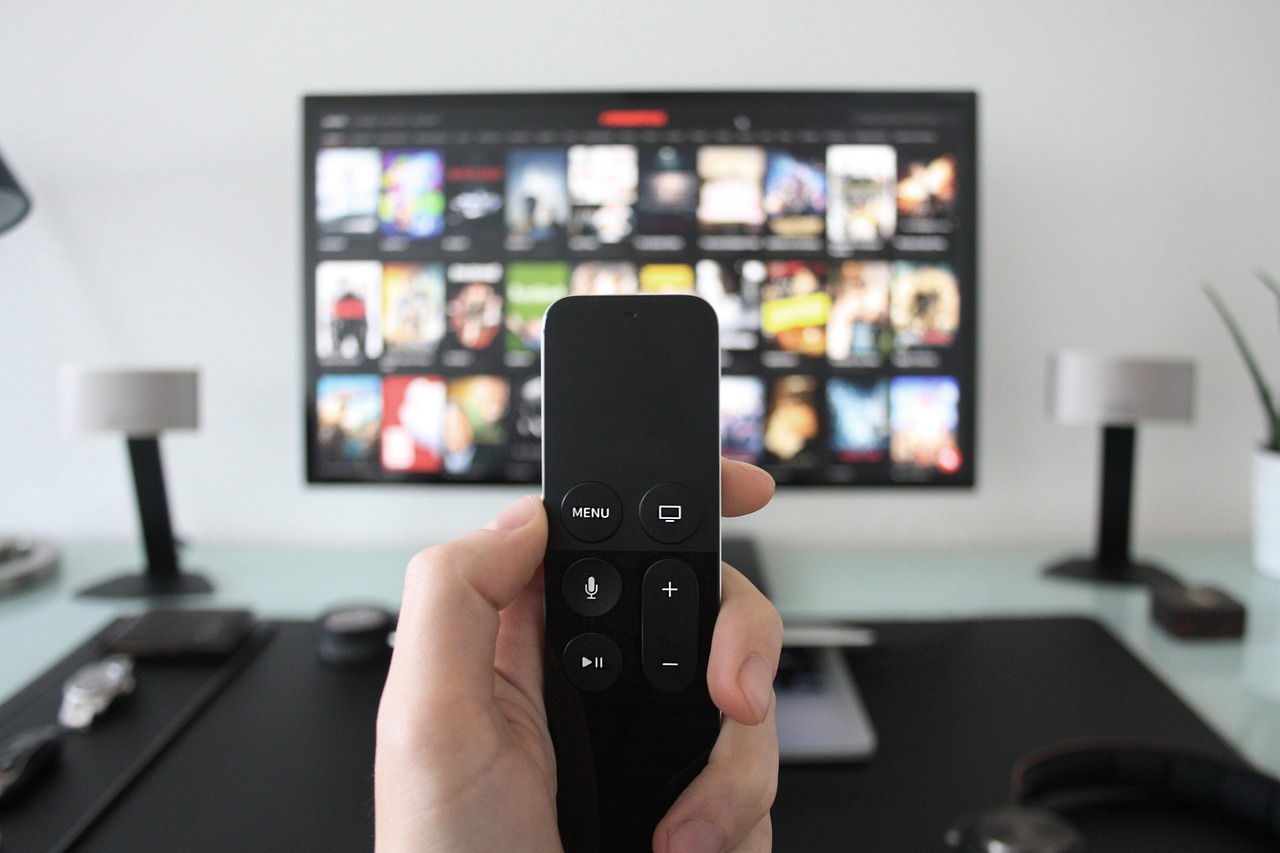
The Nvidia Shield is a top-tier IPTV device. Here is the full 4K setup, the best apps, and the fixes that matter.
Why the Shield Stands Out
The Nvidia Shield TV Pro still leads for IPTV: strong CPU for smooth 4K, Ethernet built in, USB storage for recordings, and reliable app compatibility. If you want a lounge device that never compromises, this is it.
Best Apps on Shield
- IPTV Smarters Pro - free, easy, great for beginners.
- TiviMate - best EPG, catch-up and channel management for power users.
- XCIPTV - lightweight and fast on Android TV.
Connection and Resolution Tips
- Wire the Shield via Ethernet - WiFi is fine but Ethernet eliminates peak-hour drops.
- Enable Dolby Vision only if your TV and stream support it; otherwise stick to HDR10 4K.
- Set the Shield output to 4K 60Hz and let the player scale SD channels cleanly.
- Allow storage permissions for EPG caching and faster channel switching.
Common Shield Fixes
- Clear the player cache weekly if channels freeze.
- Disable battery optimisation on the app.
- Keep the Shield firmware updated and avoid side-loaded spam.
- If 4K buffers, drop the resolution to 1080p for that channel only.
Performance Deep Dive
- Use Ethernet instead of WiFi for 4K streams.
- Keep the Shield on 4K 60Hz with HDR10 by default.
- Enable Dolby Vision only if the TV and stream support it.
- Clear player cache weekly to avoid channel freezes.
App Choice Matrix
- Smarters Pro: free, stable, beginner friendly.
- TiviMate: best EPG, catch-up, and favorites.
- XCIPTV: lightweight and fast.
Shield power user tip
Install a file manager and keep a local EPG cache. Then channel switching stays instant and tuning survives power-offs.
Want to compare devices first? Read best IPTV devices 2026 and Smart TV setup.
Is this guide practical and safe to follow?
Yes. Every step in this guide is designed for real households and avoids unsafe shortcuts. Always test before paying.
Do I need special devices to use these tips?
No. Use a Firestick, Smart TV, Shield, phone or tablet — the guide works on common hardware.
How long should a provider pass before I trust it?
At least 30 clean days with no major buffering at peak times. Review your notes before upgrading.
What is the biggest IPTV mistake to avoid?
Buying long-term or lifetime plans before testing. Start monthly, then upgrade after trust is proven.
Is IPTV legal to use?
The technology is legal; what matters is whether the provider is licensed to distribute the content it carries. If a provider will not answer that question, avoid it.