
Best IPTV Devices for 2026
Firestick, Android TV box, Smart TV or MAG box — here's how to choose, and the one most people should buy.
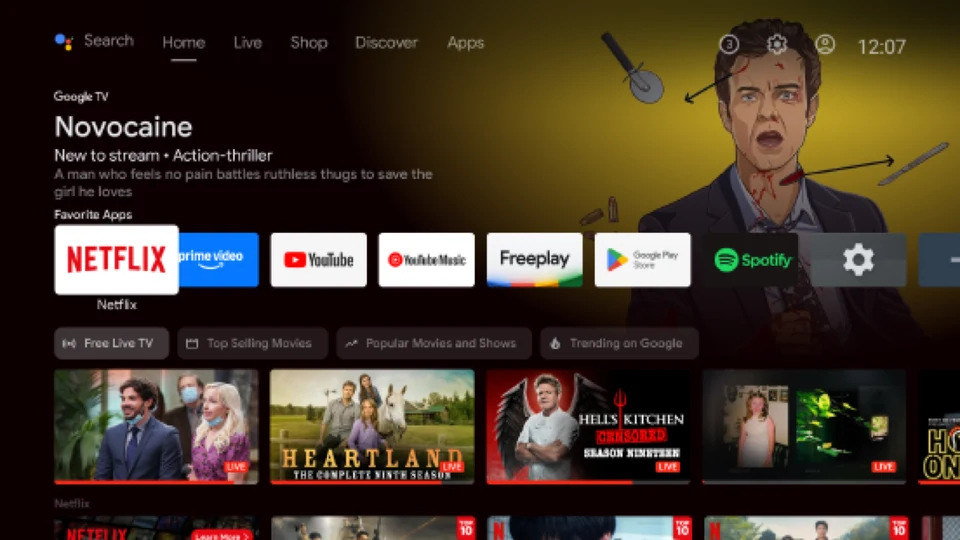
Your IPTV subscription is only as good as the device it runs on. The good news: you don't need expensive hardware. This guide compares the four device families people actually use for IPTV — Amazon Firestick, Android TV boxes, Smart TVs and MAG boxes — so you can pick the one that fits your TV, budget and patience level.
Quick Verdict (For the Impatient)
- Most people should buy: Amazon Firestick 4K — the best balance of price, performance and simplicity.
- Budget pick: a cheap 2nd-gen Firestick or a low-cost Android TV box.
- Best overall performance: a high-end Android TV box (e.g. Nvidia Shield class).
- Already have a compatible Smart TV? Try it first. You may not need to buy anything.
- MAG boxes: a niche pick for portal-based IPTV, best for tech-confident users.
Amazon Firestick — Best All-Round IPTV Device
The Firestick 4K is the device most of our customers use — and with good reason. It's tiny, silent, cheap (often under $50), and it runs the top IPTV players (TiviMate, IPTV Smarters Pro, and more) without breaking a sweat. Our Firestick setup guide covers the full installation in minutes. It needs Apps from Unknown Sources enabled once, which sounds scary but takes 30 seconds.
- Best for: most people, most TVs, most budgets
- Downsides: occasional pop-up ads on the home screen, no Ethernet by default
Android TV Boxes — Most Powerful Option
Android TV boxes (Google TV boxes, Nvidia Shield, and many others) are Firesticks without the size limit — more RAM, more storage, faster chips and Ethernet built in. They shine with 4K HDR IPTV, heavy multi-playlist use, and local media too. High-end models cost more, but the experience genuinely shows it on a big OLED TV.
- Best for: 4K enthusiasts and power users who want the fastest box
- Downsides: premium models are expensive; the really cheap generic boxes can be slow
Smart TVs — The 'Try It First' Option
If you have a recent Samsung, LG, Hisense or Android/Google TV, check its app store for an IPTV player (IPTV Smarters Pro, PVR Live, IBO Player and others all make Smart TV versions). On a good TV the experience is seamless — no extra box at all. On older or budget TVs, the apps can lag, and some TVs are missing the player entirely.
- Best for: people who don't want another device and have a decent TV
- Downsides: app availability varies by brand; weaker processors on budget models
MAG Boxes — The Portal Specialists
MAG boxes from Infomir are the classic IPTV set-top boxes. Instead of installing apps, they log straight into an IPTV portal — which makes them rock-solid for live TV and very easy for providers to support remotely. They're a good choice if you already own one, or if the box setup appeals to you. You just won't get the app flexibility of Android.
- Best for: portal-based IPTV, live TV-first users, no-app-fuss setup
- Downsides: limited app ecosystem, less flexible for on-demand
What Actually Affects IPTV Quality on Any Device?
Whatever you buy, remember: the device only decodes the stream. Picture quality comes from your stream (HD vs 4K), stability from your connection, and smoothness from the player. A $30 stick on a good connection can outperform a $300 box on bad Wi-Fi. If you see buffering, fix the network first — our buffering guide walks you through it.
Need Help Configuring Your Device?
Every Vivo IPTV plan includes free setup help on any supported device — Firestick, Android box, Smart TV, MAG, phone or PC. Tell us what you have and we'll configure it with you step by step. Reach us 24/7 on WhatsApp, Telegram or email.