
Setup
STB Emulator Setup for Vivo IPTV
Everything you need to know about IPTV — how it works, what's legal, and how it compares with cable, satellite and Netflix.
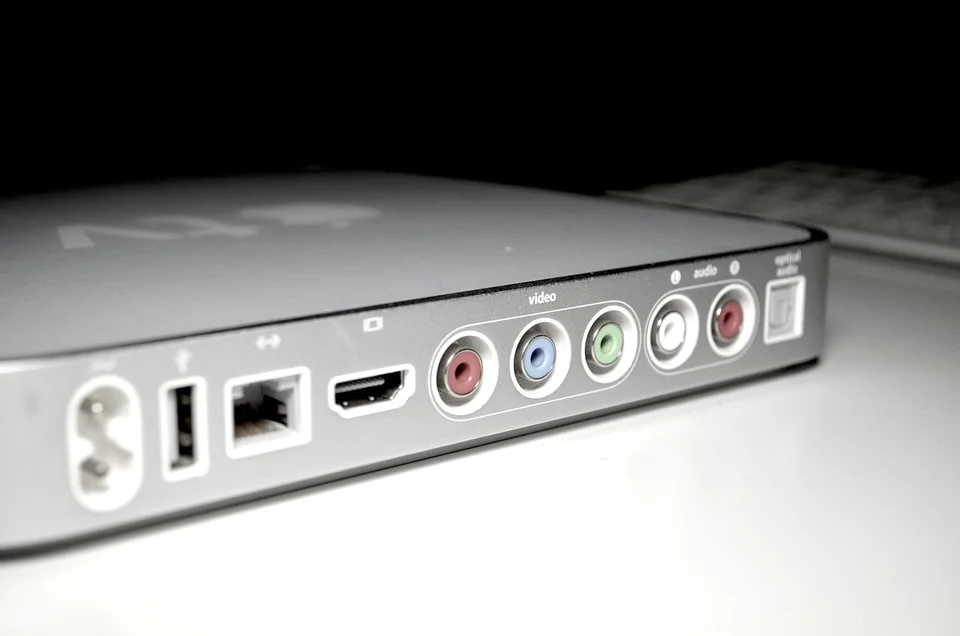
STB Emulator mimics a hardware MAG set-top box and uses your provider’s portal URL plus a MAC address — no M3U or Xtream Codes required. It works great on Android phones, TV boxes and Windows PCs.
Install STB Emulator
- Android: install from the Google Play Store (latest version).
- Windows PC: download the official Windows build or run the Android version via BlueStacks or LDPlayer.
Configure Your Profile
- Open the app → tap Portal.
- Tap Portal URL and enter the address Vivo IPTV provided.
- Tap MAC Address: use the generated MAC — or paste the one Vivo activated on your subscription.
- Save (OK) and tap Start Portal.
Your MAC must be activated by the provider. Change it and you’ll need to send the new MAC back to Vivo IPTV support.
Troubleshooting
- “Portal not responding”: wrong portal URL or server offline — double-check with support.
- Channels load but don’t play: MAC activation pending.
- Buffering: test your speed (10 Mbps HD / 25 Mbps 4K) — try wired/5GHz Wi-Fi or a VPN.
- App crashes: clear STB Emulator app data, then reinstall.
What is STB Emulator?
A free Android/Windows app that imitates a MAG set-top box, letting you watch a portal-based IPTV subscription with a portal URL and MAC address.
Does it work on Windows PC?
Yes — either the native Windows build or the Android version through BlueStacks or LDPlayer.
Why won’t it connect to my portal?
Common causes: wrong MAC address, wrong portal URL, expired subscription, or your ISP blocking the portal. Verify the basics first, then contact support.