
IPTV Smarters Pro Setup Guide 2026
Install and configure IPTV Smarters Pro on Firestick, Android, iOS and Smart TVs — Xtream, EPG, catch-up and fixes.
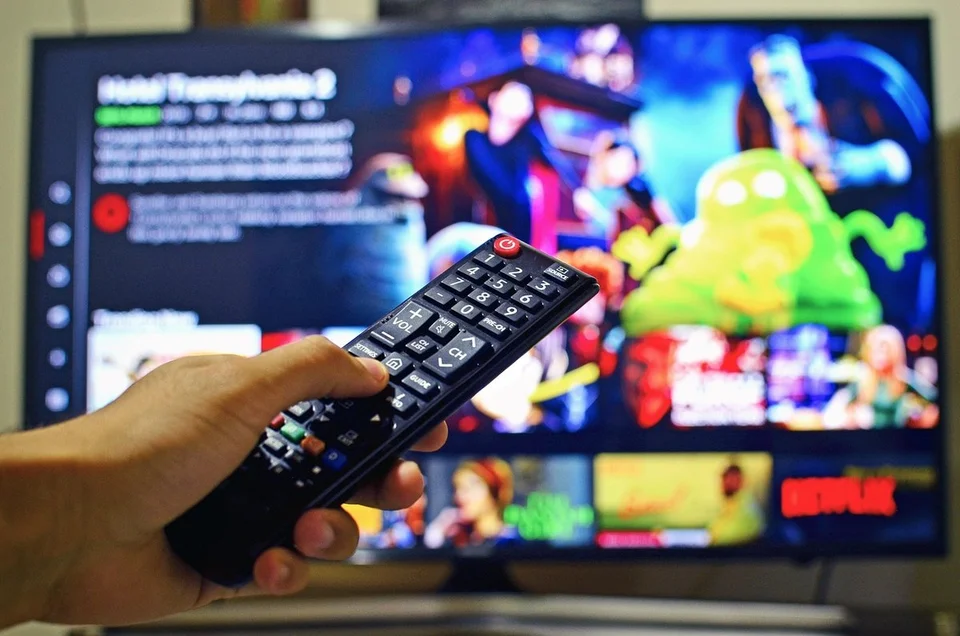
IPTV Smarters Pro is the most beginner-friendly IPTV player on the market. This guide shows you how to install it on Firestick, Android, iOS and Smart TVs, log in with Xtream Codes or M3U, set up EPG and catch-up, and fix the most common errors. All Vivo IPTV subscriptions work with it out of the box.
Install on Firestick
Since IPTV Smarters Pro isn't in the Amazon store, install it via Downloader and enable Apps from Unknown Sources. Full steps are in the Firestick setup guide.
Install on Android TV and Smart TVs
Search "IPTV Smarters" in Google Play; on Samsung/LG, sideload using the official APK. See our LG/Samsung Smart TV guide for device-specific steps.
Install on iPhone, iPad and Apple TV
Install "IPTV Smarters Player" from the App Store. Use coded credentials (Xtream Codes) for faster channel and EPG loading.
Log in with Xtream Codes or M3U
Xtream Codes is easiest — fill username, password and server URL; M3U works when your subscription issues a link. If both are offered, Xtream usually loads channels and EPG faster.
Set up EPG and catch-up
Go to Settings > EPG, paste the XMLTV or ASN EPG URL, then run “Refresh EPG”. The EPG full setup guide covers types, time zones and refresh cadence.
Common fixes
- Failed to authorize: credentials or server format; re-copy exactly.
- Black screen on 4K: switch temporarily to 1080p and re-test.
- Missing EPG: refresh daily; verify the URL.