
How to Watch IPTV on a Roku (2026)
Roku is a great streaming device, but IPTV on it is not plug-and-play. Here is what really works, in order, and what to do when it does not.
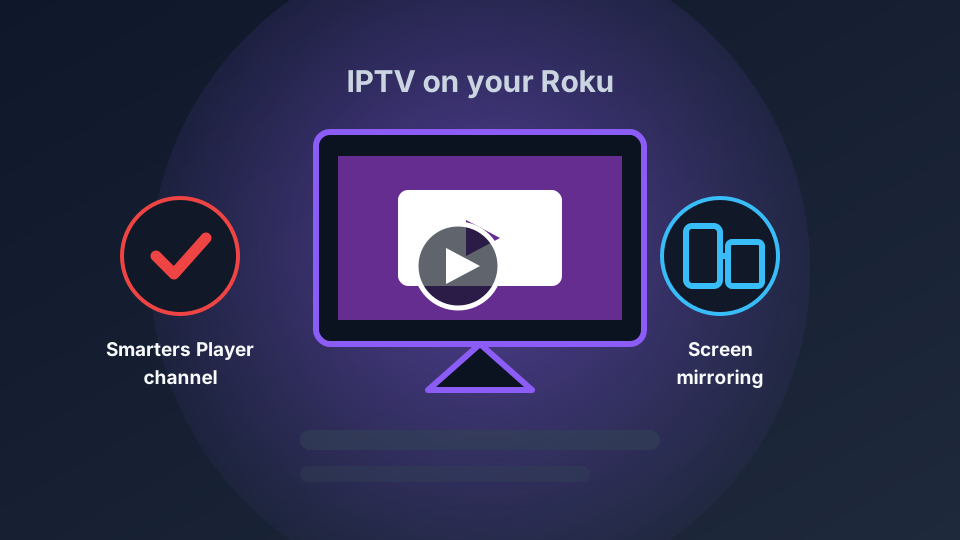
Roku is one of the most popular streaming devices in North America, and a common question is simply: can it play IPTV? The honest answer is yes, with caveats. Roku has no native Xtream or M3U player in its channel store, so the route is different from a Firestick or Android box. This guide covers what works, in the order you should try it.
Why Roku is different for IPTV
On a Firestick, an Android TV box or a smart TV, you install a full IPTV player and sign in with your server address, username and password (Xtream) or a playlist URL (M3U). Roku does not allow that kind of player in its channel store, so there is no one-tap app that works the way it does elsewhere. That does not mean it is impossible — it means you use a workaround.
If you are not sure which kind of login you have, read what IPTV actually is and Xtream Codes vs M3U first.
Option 1: The IPTV Smarters / “Smarters Player” route
The most direct option is a Roku channel built around IPTV Smarters, often listed in the store as Smarters Player or similar. Where it is available, it logs into an Xtream account and plays channels on the TV without a second device.
Two honest caveats: availability changes by region and over time, and third-party channels can be removed from the Roku store without notice. Check the store on your own Roku before you rely on this route, and confirm the app version is current once installed.
Option 2: Screen mirroring or casting
Roku supports screen mirroring from many Android devices and Windows PCs, and AirPlay on newer models. That means you can run an IPTV player on your phone or computer and throw the picture to the Roku.
This works, but it is not ideal: the phone becomes part of the chain, the picture can be softer, and a notification on the phone can interrupt playback. Use it as a stopgap, not a permanent setup.
Option 3 (best): use a device built for IPTV
If IPTV is going to be a regular thing, the cleanest fix is a device that runs a real IPTV player. In order of cost and effort:
- Amazon Firestick / Fire TV — cheap and purpose-built for this. See our Firestick setup guide.
- Android TV box / Google TV — more power for a busy household.
- Smart TV — most Samsung, LG and Android TVs install a player directly. See IPTV on a smart TV.
Keep the Roku for Netflix, YouTube and the rest, and add one cheap device for IPTV. That combination is stable and avoids every workaround above.
Setup tips that apply either way
- Connect the TV device by Ethernet if it supports it — it removes Wi-Fi as a variable.
- Match the quality to your line. A stable 1080p beats a 4K stream that stutters.
- Use a wired speed test at peak time before blaming the service. See how much speed IPTV needs.
Start with a free trial
Whatever device you settle on, test the channels you actually watch before you pay. Vivo IPTV offers a free trial: message us on Telegram or WhatsApp and we will set you up, then see the plans when you are ready.