
Albanian Letters ë and ç Not Showing on IPTV?
The characters ë and ç are not the problem — the encoding is. Four fixes that actually work, in the order to try them.
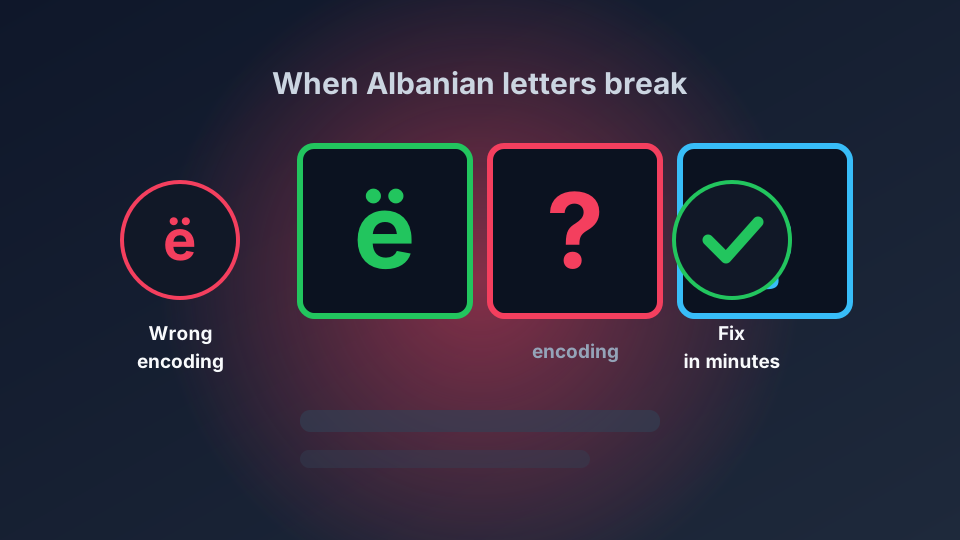
Albanian channel names arrive as "RTSH 1", "Klan", "Vizion Plus" and half a dozen entries that render as "Arïa", "Bujarÿsi" or a row of question marks. ë and ç are the two letters involved, and almost always the cause is a character-encoding mismatch rather than a missing font. Here is why it happens and how to fix it.
What ë and ç actually are
They are ordinary Latin letters with diacritics, not special symbols:
- ë is "e with diaeresis", Unicode U+00EB, in the Latin-1 Supplement block.
- ç is "c with cedilla", Unicode U+00E7, same block.
They also exist precomposed in the extended set, and either form renders correctly in a modern browser. The characters themselves are not exotic and are not the problem.
Why they break: UTF-8 read as Latin-1
Here is the mechanism, and understanding it saves a lot of guesswork. In Latin-1 encoding, ë is a single byte: 0xEB. In UTF-8 it is two bytes: 0xC3 0xAB. Same for ç — Latin-1 0xE7, UTF-8 0xC3 0xA7.
So if a file is written as Latin-1 and then read as UTF-8, ë arrives as two characters: ë. And ç becomes ç. That is the pattern to look for.
If you see "ë" and "ç" in your channel names, your problem is definitively encoding, and the file on the server is saved with the wrong encoding. If instead you see a bare "?" or an empty box, the decoder encountered a byte sequence it could not map at all — usually a UTF-8 stream read as Latin-1, or the string being cut at a fixed byte offset mid-character. Both look identical on screen and are fixed differently.
Fix 1: switch the app to UTF-8
Most modern players have an explicit character-set setting and it is very often defaulted to Latin-1 or to the operating system locale. In Kodi the setting is under Settings → Interface → Regional, where Character Set should be set to the default UTF-8 character set rather than a Western European code page. In TiviMate, Perfect Player, IPTV Smarters and the Ferrite players the equivalent option sits under settings, sometimes labelled charset, encoding, or text encoding.
Switch it, fully close and reopen the app, and force a playlist refresh rather than only restarting playback. Changing the setting without reloading cached guide data often appears to do nothing, because the broken names are already stored.
Fix 2: force UTF-8 in the playlist request
If you load an M3U or M3U8 playlist, the encoding is often declared in a response header the player ignores. For M3U8 served over HTTP, a proper charset in the Content-Type header resolves the ambiguity. If you maintain your own playlist, serve it as text/plain; charset=utf-8, save it as UTF-8 without a byte-order mark, and never mix an editor that silently re-saves in a legacy code page.
The single most common cause in practice is a playlist file edited in a text editor on Windows that saved as ANSI, which is Windows' legacy Latin-1 code page. Saving the same file explicitly as UTF-8 fixes it immediately.
Fix 3: fix EPG data separately
EPG data fails independently of the channel list, and fixing the playlist will not fix a guide that is wrong. XMLTV guide files must be UTF-8, and the channel display-name entries carry their own encoding. Symptoms worth distinguishing:
- Channel names correct, guide names broken → the playlist is fine and the XMLTV file is not.
- Both broken the same way → one encoding problem affecting both, usually the app setting.
- Names fine but accents stripped, e.g. "Rralla" instead of "Rëalla" → the guide source never contained the diacritics. Nothing is broken; the data is just incomplete, and you need a better guide source.
Our guide to setting up an IPTV EPG covers the XMLTV side in more detail.
Fix 4: subtitles are a third, separate problem
Subtitle files do not inherit your playlist encoding. SRT files for Albanian content may be saved in Latin-1, Windows-1250, Windows-1252 or UTF-8, and each behaves differently. If subtitles show question marks while channel names are fine, convert the subtitle file to UTF-8 and set the player's subtitle encoding to match.
A practical way to tell: open the subtitle file in a text editor that shows the encoding. If the ë looks correct in the editor but wrong in the player, the file is fine and the player is misreading it. If it already looks wrong in the editor, the file itself needs converting. On macOS the iconv command converts reliably; on Windows, Notepad's "Save as UTF-8" does the same job.
Albanian-specific consideration: the app's font
Rarely, the encoding is correct and the display is still wrong, because the font lacks a glyph. This is worth ruling out last rather than first, but it does happen with some older embedded players that ship very limited fonts. Signs: everything renders correctly except these specific characters, and the problem persists across every app you try. If it renders correctly in a browser and in VLC, but not in your IPTV app, that is a strong signal the app — not your data — is at fault.
What not to do
- Do not hand-edit channel names in your playlist to replace ë with "e". You are then fighting the encoding on every playlist refresh, and your EPG will disagree with your channel list.
- Do not install "encoding fix" apps. The problem is a setting in the app you already have.
- Do not convert a file repeatedly. Converting an already-converted file produces à and § instead, which is a second round of the same problem.
Quick diagnostic order
- Do channel names show "ë" or bare "?"? → encoding mismatch, go to fix 1.
- Are channel names fine but EPG names broken? → the XMLTV file, go to fix 3.
- Are channel names fine and subtitles broken? → subtitle file encoding, go to fix 4.
- Is it correct in a browser but wrong in the app? → the app's font or charset, go to fix 1 then fix 4.
If your guide data is also unreliable, our Albanian EPG and subtitles guide covers the time zone and presentation side of the same setup.